
Demo Wizard is the Ultimate Store Sampling & Demonstration management software for Brick and Mortar Retailers and CPG Vendors.
Chat with us

Phone
Copyright © 2026 Demo Wizard
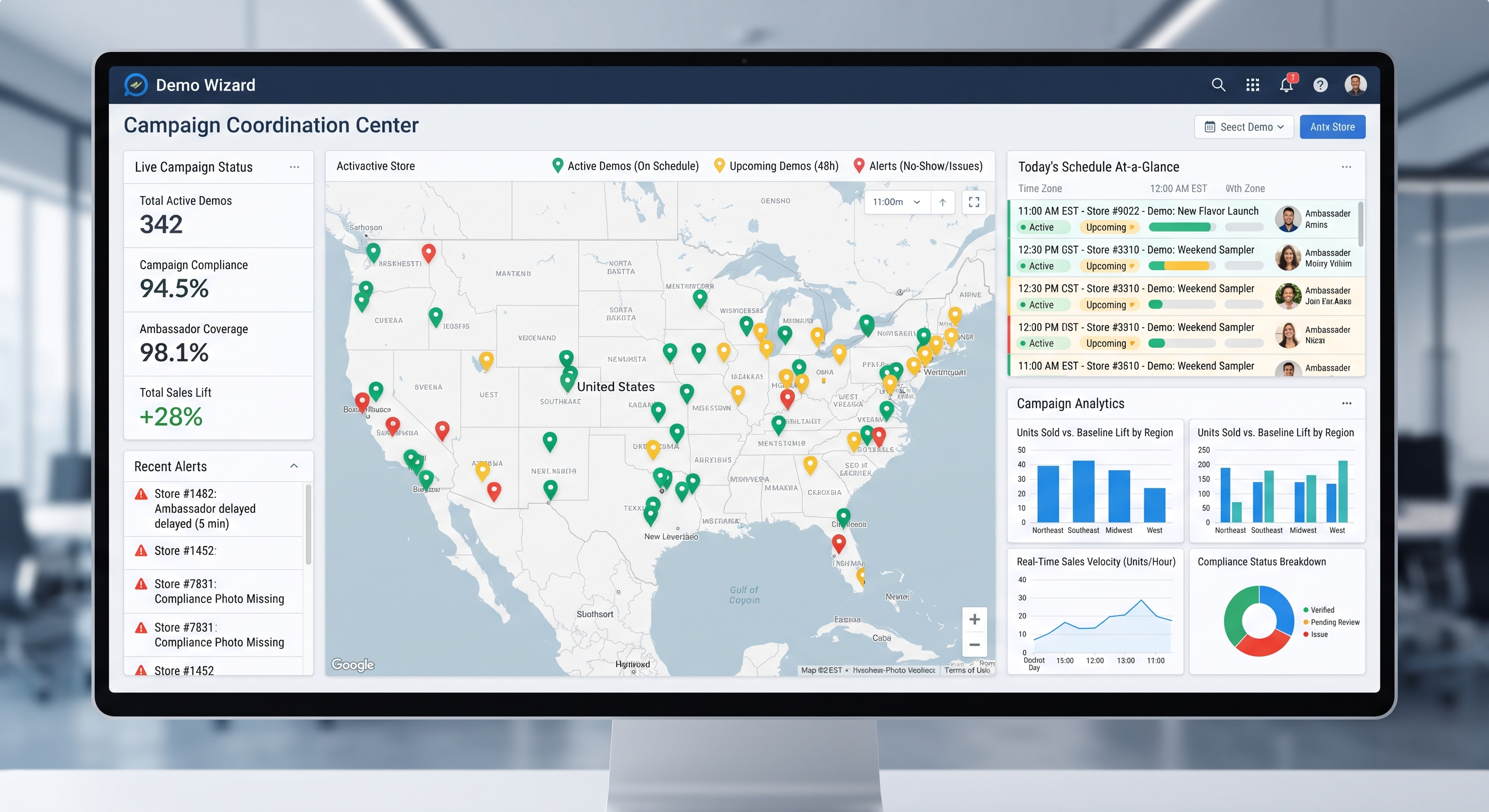
Managing store activation campaigns across multiple retail locations requires moving away from manual spreadsheets and phone calls toward a centralized platform. Effective multi-store scaling relies on synchronized scheduling, clear role definitions across stakeholders, automated workforce workflows to prevent no-shows, and baseline-relative ROI tracking.
Store activation campaign management means coordinating schedules, brand ambassadors, compliance, and ROI tracking for multiple in-store demos running across many retail locations at once—not planning a single event. CPG brands, retailers, distributors, and agencies each hold a piece of the process, and friction appears when that coordination relies on spreadsheets, phone calls, and store-by-store manual check-ins instead of a shared, centralized system visible to everyone involved.
Running one in-store demo takes a phone call and a calendar invite. Running the same campaign in 150 stores requires four separate parties to stay synchronized on timing, inventory, and approvals without stepping on each other.
Store activation campaign management only becomes a real discipline once a single brand decision, "sample this product in every store in the Northeast region during the first two weeks of October", has to turn into dozens or hundreds of individual, correctly staffed, correctly stocked events. Each one depends on a different store's hours, a different ambassador's availability, and a different distributor's delivery schedule. For a broader look at how brands approach in-store execution strategically, see this overview of in-store brand activation strategies.
Four parties typically share responsibility for any multi-store activation, and confusion about who owns what is the most common cause of a failed event day. The CPG brand sets the campaign goals, budget, and target store list. The retailer controls in-store conditions, which aisle, which dates are allowed, and what approvals a vendor needs before setting up a table. The distributor or broker handles getting product onto shelves and into the hands of the ambassador on time. The agency, or the brand's own field team, recruits, trains, and deploys the brand ambassadors who actually run the demo.
When these roles are clear and visible to everyone, a store manager knows who is showing up and why. When they are not, the manager finds out about a demo table from a confused ambassador standing in the lobby.
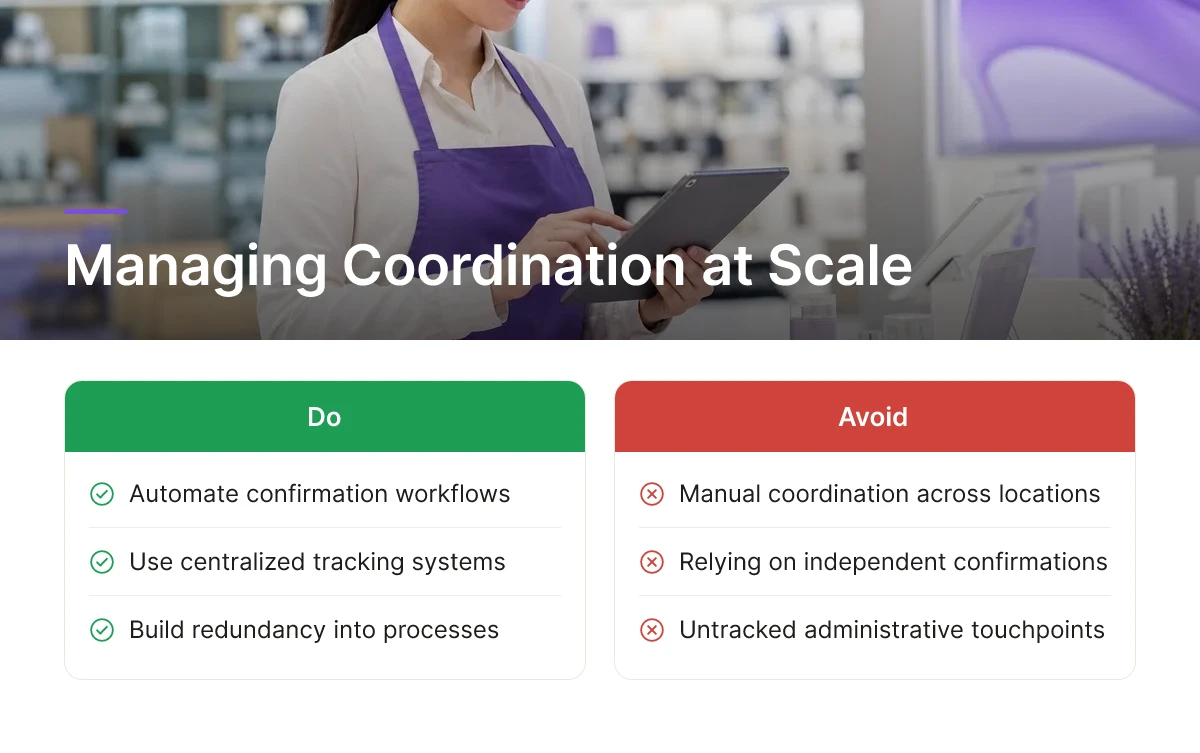
Single-event planning tools, a shared spreadsheet, a group email thread, a few confirmation calls, work fine for one store on one Saturday. They break down fast once the same promotion spans multiple regions, because no single person can track hundreds of moving confirmations by hand, and small errors compound: one missed email means a no-show ambassador, an empty table, and a retailer who starts to doubt the brand's reliability [2]. A shared calendar that retailer staff, the brand, and the agency can all see at once prevents the most common failure: double-booking a table, scheduling a demo on a day the store has a conflicting event, or sending an ambassador to a location that was never told to expect one. Demo Wizard builds this kind of centralized system of record directly into its scheduling tool, so a coordinator managing hundreds of monthly events across many retailers works from one source of truth instead of reconciling spreadsheets after the fact.
Scaling in-store activations multiplies coordination touchpoints at every new location instead of simply adding to them, which is what turns store activation campaign management into an administrative bottleneck.
A single demo requires confirming staff availability, confirming inventory arrived, and confirming the location meets retailer compliance rules. Run that at 10 stores and a coordinator juggles 30 confirmations. Run it at 100 stores and that number hits 300, and each one can fail independently, often on the same Saturday morning.
The honest answer: you can't reduce it with more spreadsheets, only with a system that catches failures before they become missed demo dates.
Manual rescheduling is where multi-location programs break down first. A brand ambassador calls in sick an hour before a shift, and without an automated backfill process, that slot simply goes unfilled. Nobody notices until a regional manager pulls a report days later and finds a store with zero completed demos for the week. Trade marketing teams managing dozens of weekly events across multiple states feel this most acutely, since one coordinator juggling phone calls and email chains cannot realistically track backfill status across 20+ locations in real time.
At a national scale, the same three problems recur regardless of category or retailer: inconsistent execution, lost visibility, and store staff absorbing coordination work that belongs to the brand or agency.
Retailers rarely want to eliminate in-store demos; the sales lift and foot traffic are too valuable to give up [2]. The realistic goal is reducing how much store employee time goes into coordinating them, cutting the phone tag and email threads, not the activation itself. Brands looking for inspiration on what a well-run activation should look like in practice can review these brand activation examples and ideas.
Comparing demo performance across dozens or hundreds of stores comes down to one mechanism: measuring units moved during and shortly after the demo window against a baseline sales period at the same location. A baseline might be the same store's average daily velocity for that SKU over the prior two or four weeks. The difference between that baseline and the activation window is the attributable lift, and it's the only number that means anything in store activation campaign management because it controls for a store's normal traffic and sales pattern.
Units sold against baseline is the core metric, but three qualitative inputs make that number trustworthy rather than noisy. Ambassador-logged shopper feedback captures reactions, objections, and interest level that raw sales data can't explain on its own. Photo compliance confirms the activation actually happened as scheduled, the right table setup, signage, and product display, at the right time, which matters because a lift claim is worthless if no one can confirm the demo occurred as planned. Timing data, meaning the exact hours an ambassador was active at the table, lets a brand line up sales spikes with the actual demo window instead of guessing. T-ROC's research on in-store activation notes that well-run programs can meaningfully lift category conversion, which shows why isolating the attribution window matters so much [2].
Raw unit counts mislead when comparing a flagship store against a smaller-volume location, a high-traffic store will always move more product regardless of demo quality. The fix is comparing uplift relative to each store's own baseline, not absolute units sold. A store that sells 20 units on a normal Saturday and 60 during a demo shows a 200% lift; a flagship store that goes from 200 to 400 units shows 100% lift but twice the baseline. Judged on raw volume, the flagship looks better; judged on relative uplift, the smaller store had the stronger activation. This same baseline-relative approach applies when comparing formats, a weekend roadshow against a single-ambassador sampling table, since each format needs its own expected baseline range rather than a single universal threshold.
Sales data to build these baselines typically comes from the retailer or a third-party data provider, not from the activation platform itself. A platform like Demo Wizard handles scheduling, ambassador deployment, compliance tracking, and demo-level reporting; it is not a point-of-sale integration. Brands pair that operational data with sales feeds from their retail partners to complete the ROI picture.
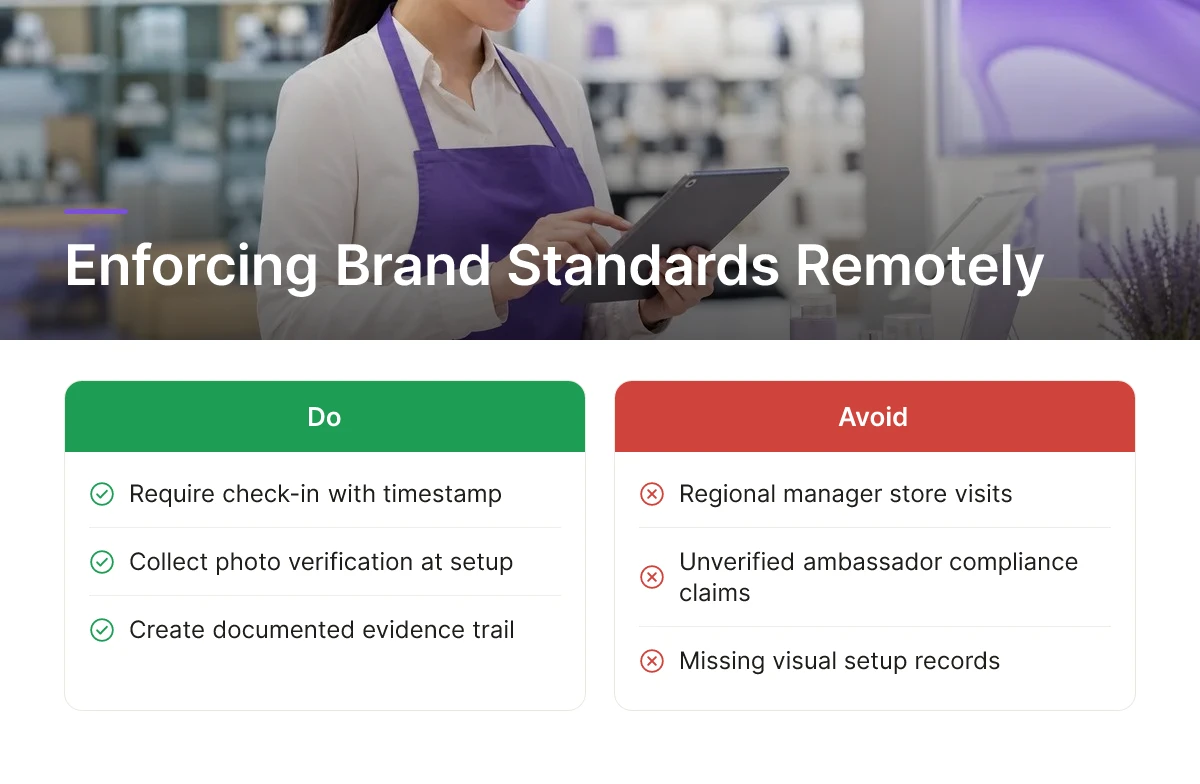
Compliance in a multi-store campaign comes down to proof: can you show that each ambassador set up correctly, followed signage rules, and stayed on schedule, without a regional manager driving store to store to check?
Check-in confirmation tied to the scheduled store and time stamp establishes that an ambassador actually arrived where and when the campaign called for. Photo verification at setup, the display, the signage, and the table footprint, adds a visual record that matches what was planned against what was executed. Together these create an evidence trail a brand can produce if a retail partner questions whether a demo ran to spec or if a finance team asks for proof behind a reported activation count.
That evidence trail only works if every ambassador starts from the same instructions. Brand consistency erodes quickly when setup checklists, talking points, and signage guidelines live in individual ambassadors' memory rather than in a document distributed centrally before the shift. One ambassador's interpretation of "tabletop display" can look nothing like another's two states away. Centralizing training materials and checklists inside the scheduling system, rather than emailing PDFs that may or may not get opened, closes that gap, and it's a core reason brands adopt store activation campaign management tools instead of running activations off spreadsheets and group texts.
Retailers benefit from this same structure without lifting a finger to enforce it. When set times, approved footprint, and approved signage are built into the campaign record rather than left to verbal agreement, a store manager doesn't have to patrol the floor to confirm a vendor is staying in bounds, the system's own scheduling and verification steps do that work. This matters more as a brand runs dozens of overlapping campaigns across a chain, where no single store employee has visibility into every vendor's terms.
Running several campaigns at once also raises the risk of two ambassadors, from the same brand or different ones, booked into the same store footprint on the same day. A centralized calendar surfaces that overlap before it becomes a conflict at the door, flagging double-bookings against store capacity rather than letting field teams discover the clash on-site. Demo Wizard's multi-location coordination handles this by checking new bookings against existing store schedules automatically, which is the kind of guardrail a single coordinator needs to manage hundreds of monthly events without creating logistics fires at the register.
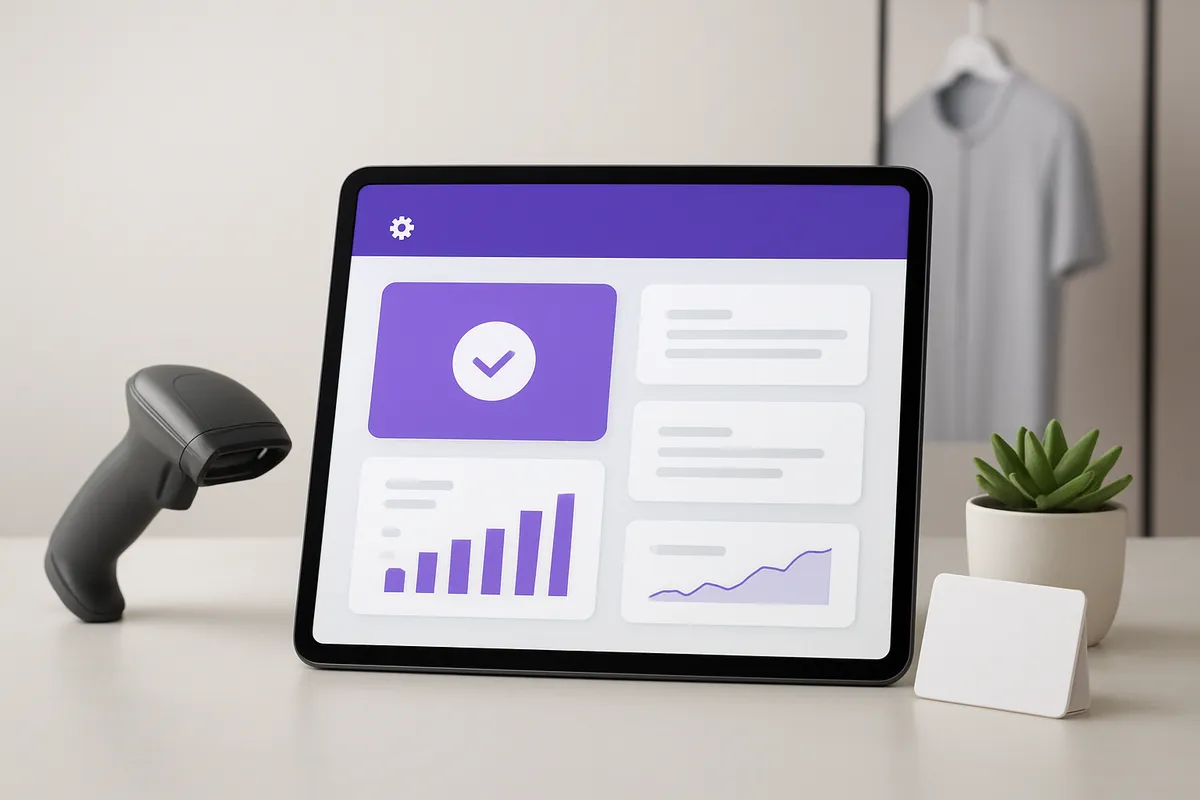
A purpose-built platform for store activation campaign management replaces spreadsheets and group texts with four connected systems: a shared calendar, ambassador workflows, compliance check-ins, and performance reporting.
Four features separate a real coordination system from a patchwork of tools. A centralized multi-location calendar shows every scheduled demo across every store in one view, so a coordinator managing 30 states doesn't need 30 separate spreadsheets. Ambassador scheduling and confirmation workflows handle availability matching, shift assignment, and automated reminders in the days before an event. Compliance check-ins with photo proof confirm that an ambassador arrived on time, set up the display correctly, and followed the brand's merchandising plan. Performance dashboards then roll up results by store and time slot, showing which locations and dayparts actually move product.
Demo Wizard builds its platform around this exact set, in-store demo scheduling, brand ambassador management, and ROI tracking by store and time period, rather than bundling in unrelated event-ticketing or generic workforce tools. A roadshow team running a 10-day pop-up across 40 doors can see every shift, every confirmation, and every check-in photo from a single dashboard instead of piecing it together after the fact.
Automated scheduling and confirmation reminders shrink the no-show cycle by catching gaps days in advance instead of the morning of the event. When an ambassador fails to confirm within a set window, the system can flag the slot for backfill before a store manager ever notices a no-show at the sampling table. This directly addresses the staffing churn that experiential marketing programs struggle with industry-wide [1], where reliable in-person execution is what makes product trial convert at the rates digital advertising can't match [1].
The bigger shift happens at the store level. A centralized calendar visible to store staff, the brand, and the agency means a receiving clerk no longer fields phone calls from three different vendors asking about table placement or arrival times. Everyone checks the same schedule instead of interrupting the same employee.
Scope matters here too. These platforms coordinate ambassadors, schedules, and demo-level compliance and ROI data, they do not message or track individual shoppers. And pricing should be judged in tiers, not fixed quotes: a five-store independent grocer and a 500-door national rollout have different needs, and the right platform scales features and cost accordingly rather than charging per user or per location. For a clearer definition of what counts as an activation campaign in the first place, see this glossary explanation of activation campaigns.
Responsibility splits depending on the retail channel, but coordination usually starts with the brand or its agency. In club stores and mass retail, an exclusive retailer-mandated agency often runs the floor. In regional grocery and independent stores, the CPG brand or its hired demo company schedules ambassadors, manages compliance, and reports results back to the store.
With a dedicated scheduling platform, one coordinator can manage hundreds of monthly demos across dozens of states. Without automation, manual spreadsheet coordination typically limits a single person to a few dozen events before scheduling conflicts and ambassador no-shows start slipping through.
A no-show without a backup plan means lost shelf time, wasted product, and a damaged retailer relationship. Agencies and brands that build standby staffing lists or use platforms with real-time availability tracking can reassign a replacement ambassador before the shift starts, protecting the sales window.
Yes, when the campaign runs on a shared coordination platform rather than separate spreadsheets. A centralized calendar lets brands, agencies, distributors, and store staff view the same schedule, reducing double-booked tables and conflicting vendor visits on the same day.
Prioritization usually starts with sales velocity, store format, and historical demo performance, since high-traffic locations with proven lift tend to deliver the strongest early results. Brands often layer in retailer relationship factors too, favoring doors where management has reliably supported past activations with cooperative scheduling and floor access.
Coordinating demos across dozens or hundreds of stores breaks down fast when it relies on spreadsheets, phone calls, and separate vendor calendars. The brands that scale successfully treat scheduling, ambassador management, and ROI tracking as one connected process rather than three disconnected tasks handled by different people.
Start by auditing how your current team tracks no-shows and conversion by store and time slot, if that answer lives in someone's inbox instead of a dashboard, that's the first gap to close before adding more locations to next quarter's calendar.

Explore more from our content library:
About the Author
Written by the SaaS / Retail Marketing Technology experts at Demo Wizard. Our team brings years of hands-on experience helping businesses with SaaS / Retail Marketing Technology, delivering practical guidance grounded in real-world results.October,"
Demo Wizard is the Ultimate Store Sampling & Demonstration management software for Brick and Mortar Retailers and CPG Vendors.
Chat with usPhone